
How it works
From the box to back home.
Five easy steps — and none of them need any technical know-how. If you can take a photo on your phone, you can set up a WiseTag.
1Step 1 of 5
Order your tag online.
Choose your tag and check out — it takes about a minute. We post the tag to you, and straight away you get an email with your personal setup link.
- From £0 upfront on Flex — or one payment, yours forever
- Your setup email arrives right after you order
- No account to create up front — that happens during setup
WiseTag
Your tag is on its way 🎉
Hi Sarah,
Thanks for your order — your tag is in the post. No need to wait for it: you can set up Spotty's profile right now, so everything is ready the moment the tag arrives.
2Step 2 of 5
Set up their profile — before the tag even arrives.
Open the link in your email and answer a few simple questions: your pet's name, a photo, your phone number, and anything a finder should know. It's one short form, done in about two minutes.
- Works in your normal web browser — nothing to install
- Add medical notes, a reward, a friendly message
- Change anything later, as often as you like — it's free
Set up your tag
Spotty's profile
Pet's name
Spotty
Your name
Sarah
Your mobile
07700 900123
3Step 3 of 5
Add the details that really matter.
Beyond the basics, there's a place for everything a stranger should know: allergies, medication, a reward, a backup number for when you're away. Add as much or as little as you like — only a name and phone number are required.
- Allergies and medication shown clearly to whoever finds them
- Offer a reward for a safe return — it's front and centre
- A backup contact, so someone can always be reached
- You decide which buttons a finder sees — call, text, save
Everything you can add
About your pet
Reaching you
Health & safety
What a finder can do
4Step 4 of 5
Tag arrives? Pop it on the collar.
A few days later the tag lands on your doormat. Fix it to your pet's collar and you're done — because you already set up the profile, it's protecting them from that very moment.
- No battery and nothing to charge — ever
- No pairing, no app, no fiddly setup on the tag itself
- One tag lasts for years and never goes out of date
5Step 5 of 5
If they ever get lost — found means found.
Whoever finds your pet holds their phone near the tag, and your pet's page opens on their screen — photo, your message, and big Call, Text and Save buttons. One more tap and their phone is ringing yours.
- Works with iPhone and Android — no app for the finder either
- A pre-written text is ready, so a shy finder knows what to say
- Medical notes and reward are impossible to miss
Spotty
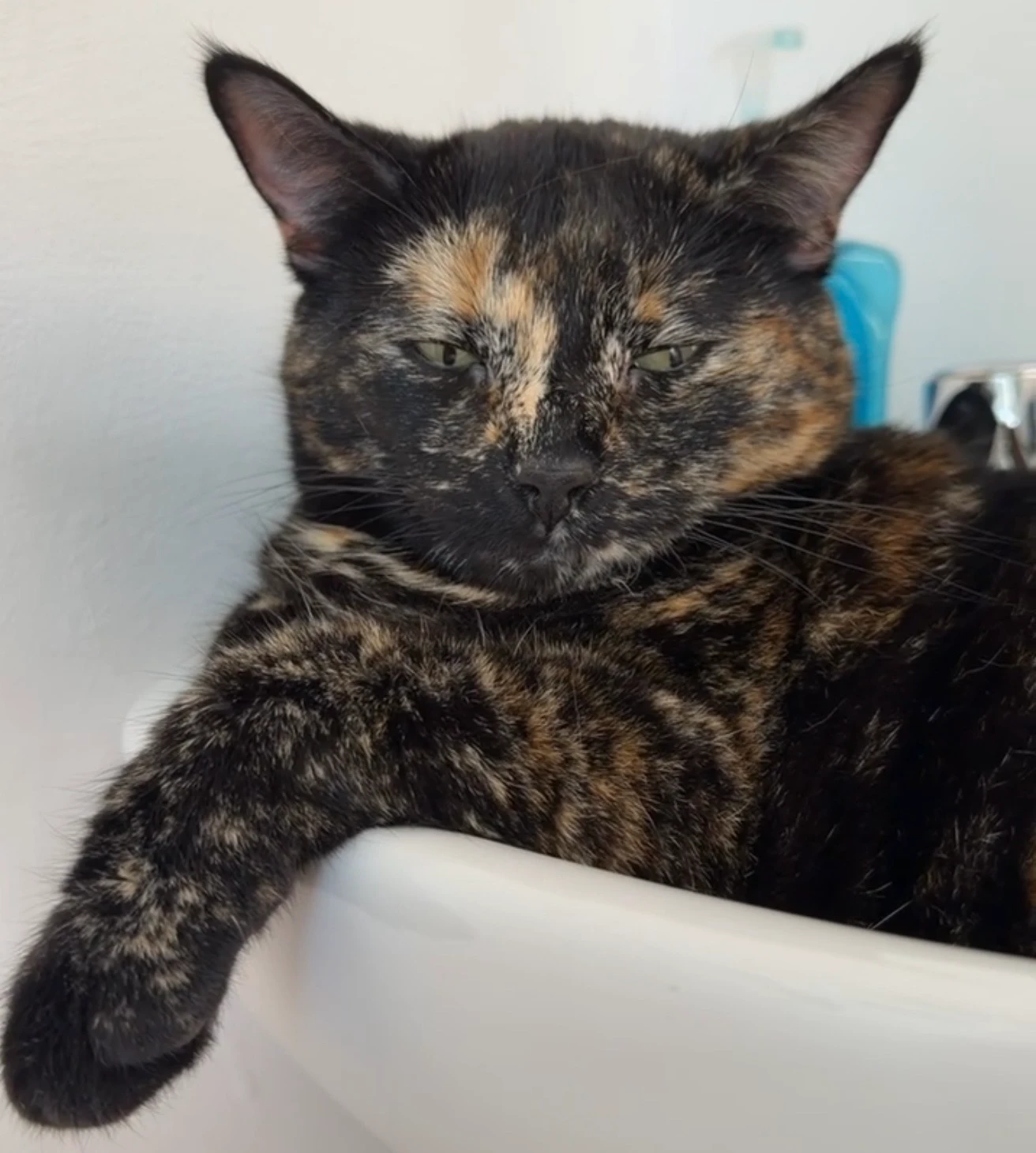
Cat · Tortoiseshell
Medical & care
No known allergies. Friendly but shy — approach slowly.
Worried it's too techy? It isn't.
“I'm not good with technology.”
If you can take a photo and type a text message, you have every skill you need. There is nothing to install and nothing to configure — you just fill in a short form about your pet.
“Will it work on my phone?”
Yes. Setting up works in the normal web browser on any smartphone, tablet or computer. And every tag also carries a short code you can type instead of tapping.
“What does the finder need?”
Nothing at all. They hold their phone near the tag — the same tap as paying by card in a shop — and your pet's page simply opens. No app, no sign-up, no account.
More questions? Read the full FAQ →
Ready to give it a go?
Step 1 takes a minute. Your pet gets a voice for life.